Overview
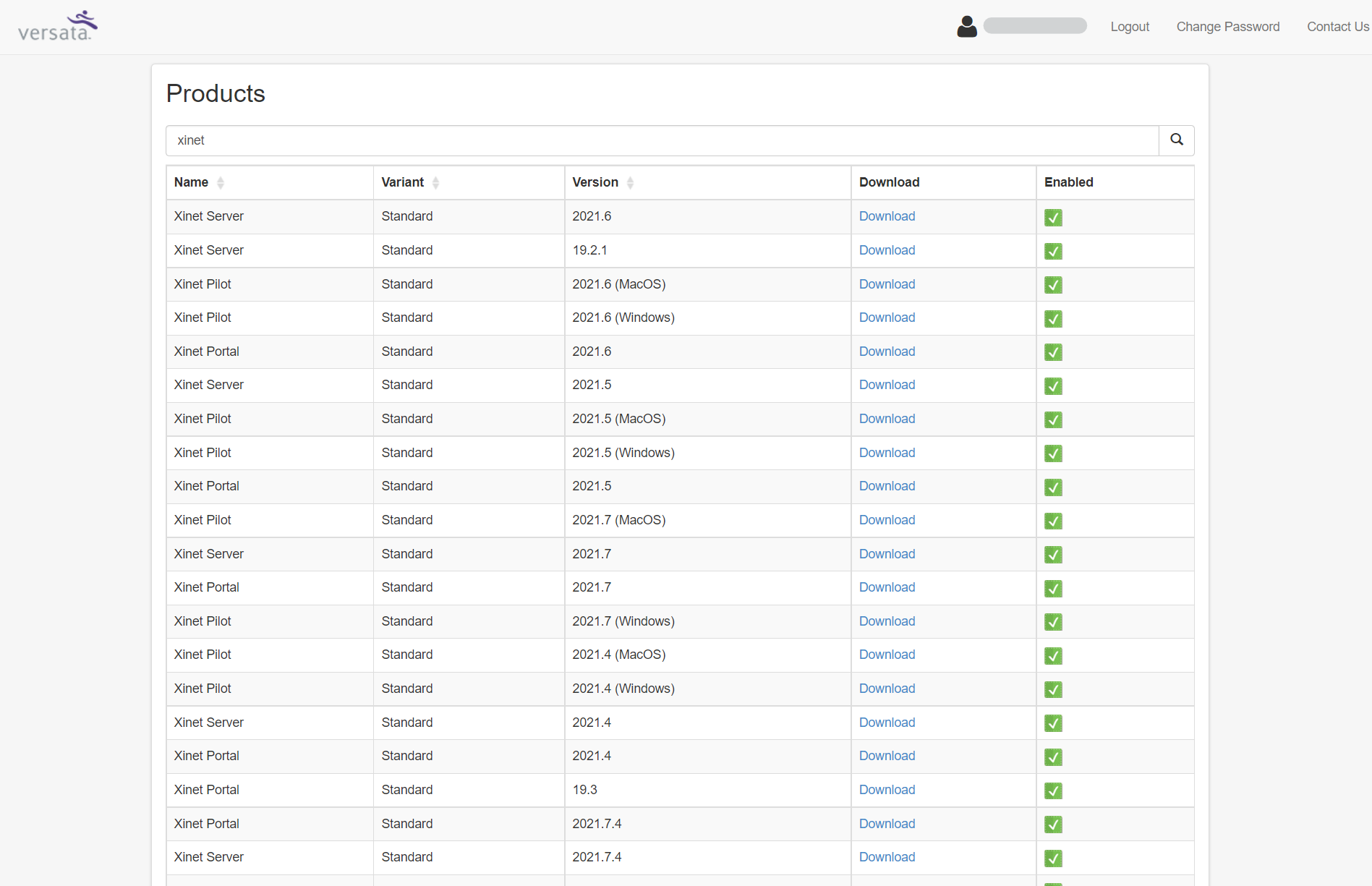
All the Xinet installation packages (Portal, Server, Pilot), including the latest public version and additional packages, can be downloaded from a centralized location through the Download Portal. (Previously these were available through the AXI (Authorized Xinet Integrator) portal.)
Solution
-
Login to the Download Portal.
- If you do not have access to this Portal, you may request access by submitting a ticket to Xinet Support.
- Browse to the desired version and click Download.
- Accessing Xinet Release Notes
Xinet release notes are available in the Knowledge Base article Xinet Release Notes & Known Issues.
The Download Portal interface differs by account permissions. Customer accounts may not display the Release Notes option shown to internal administrators.
Legacy Process
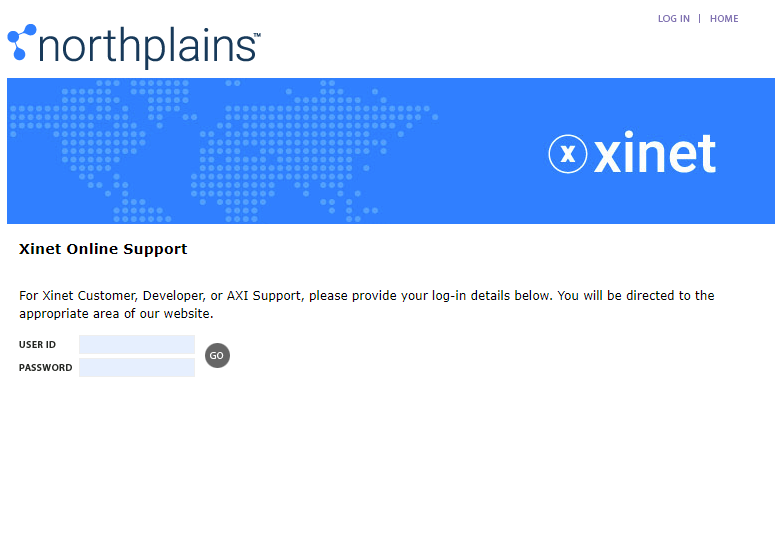
- Login to the AXI portal using your user id/password credentials.
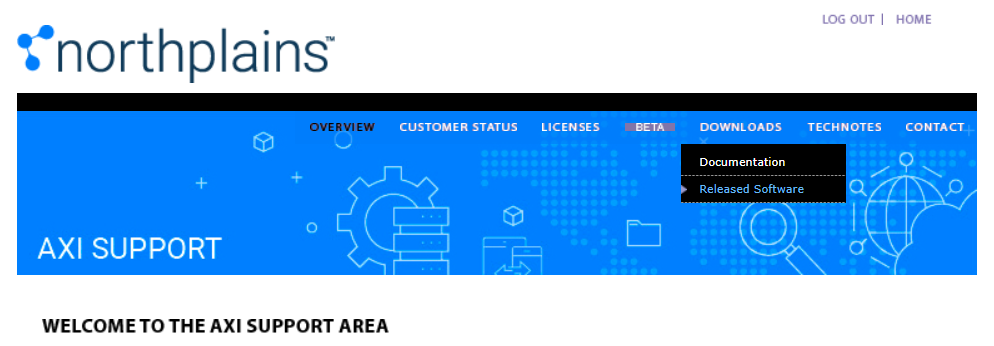
- Click on Downloads -> Released Software.
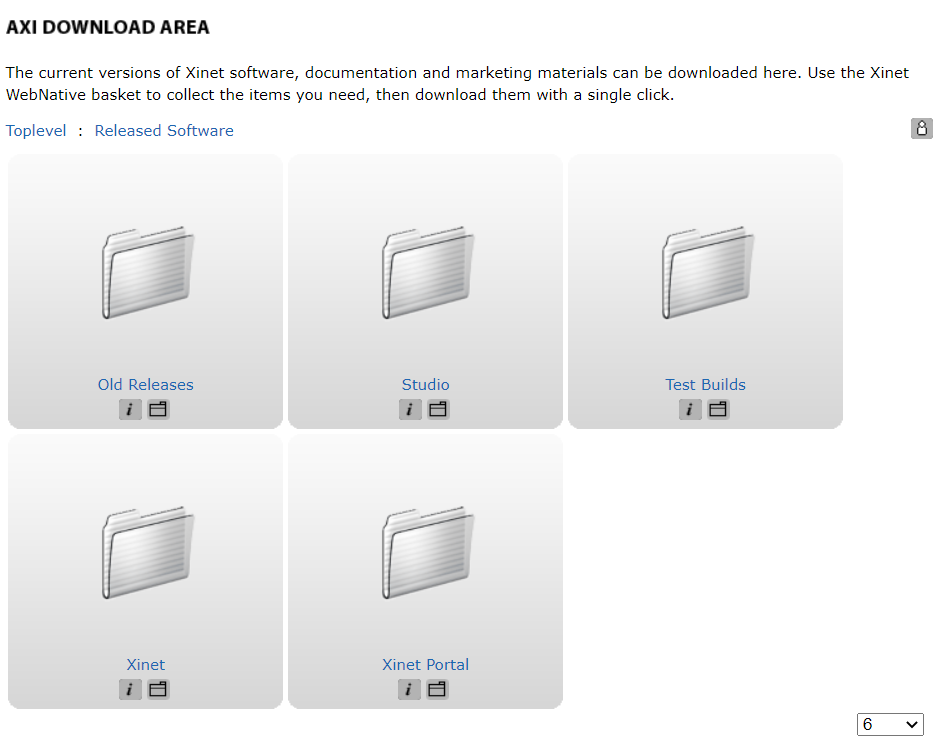
- Choose the necessary folder, i.e. Xinet, Xinet Portal, etc.
- Download the needed
.taror.zippackage.
Priyanka Bhotika
Comments